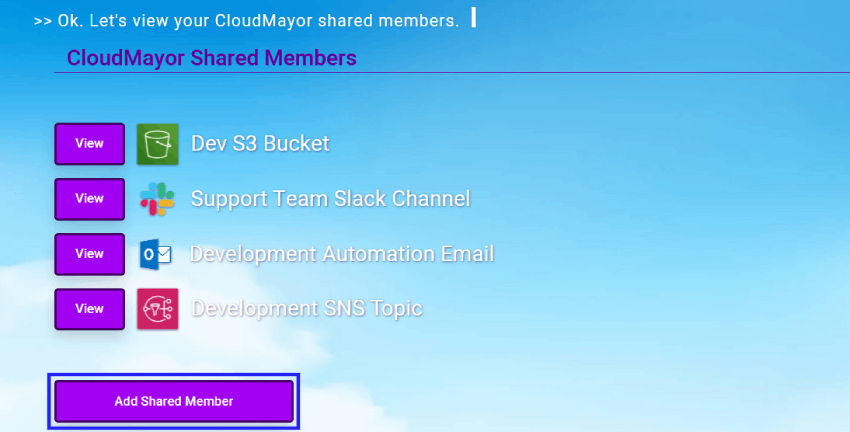
How to View or Edit a Shared Member?
How to View or Edit a Shared Member?
To view all configured CloudMayor Shared Members:
-
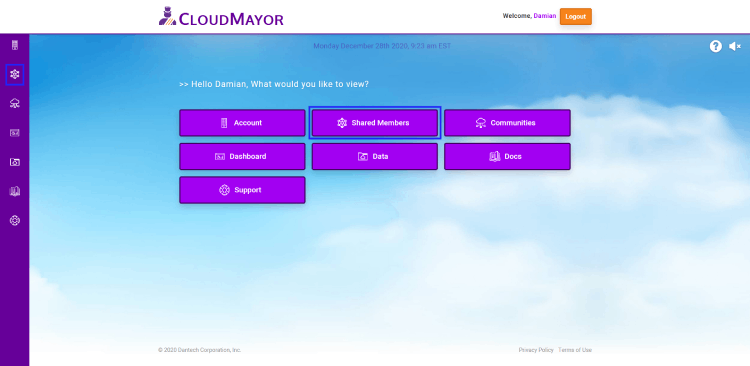
You must first navigate to Shared Members page. You can get
to this page either through the main menu page or via the
sidebar on the left if you are accessing the portal via a
desktop.
-
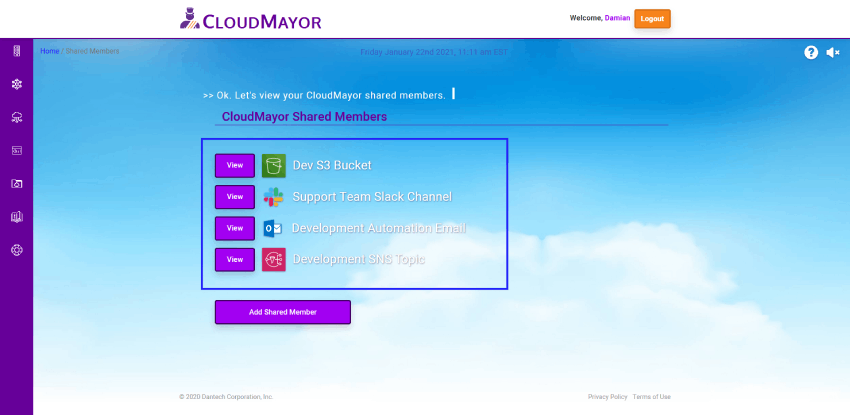
Once on the Shared Members page, here you can view all of
the configured Shared Members.
 .
.
-
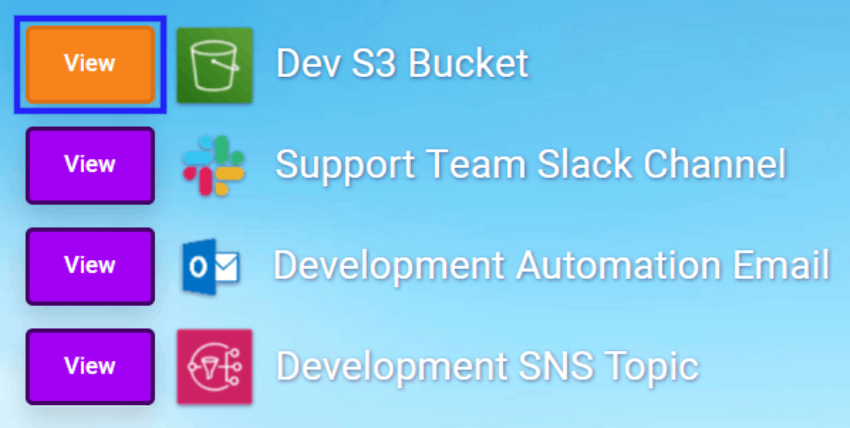
To view/edit a specific configured shared member:
Click on the "View" button of the member you would like to
view or edit (If you have the proper permissions).
How to add a new CloudMayor Shared Member:
To add a new shared member click on the "Add Shared Member"
button to begin the configuration process (If you have the
proper permissions).