How to Edit AWS Credentials?
How to Edit AWS Credentials?
To edit created AWS credentials:
-
You must first navigate to the AWS credentials list page
that will list all of the created AWS credentials.
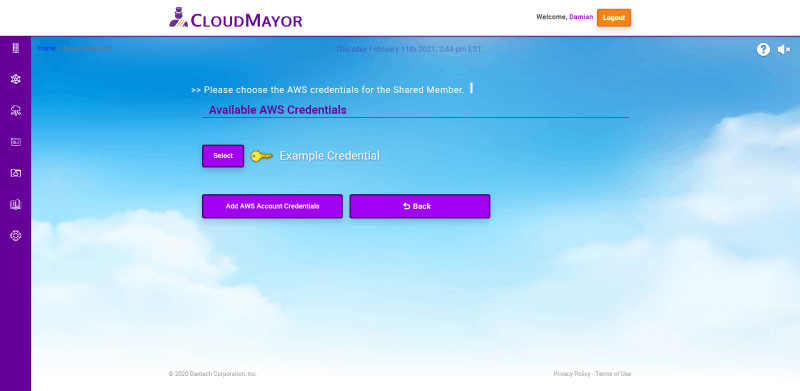 Note: If you are receiving the "No
Credentials" page, you must create a credential first
before you edit one. To learn more about how to add an AWS
credential,
click here.
Note: If you are receiving the "No
Credentials" page, you must create a credential first
before you edit one. To learn more about how to add an AWS
credential,
click here.
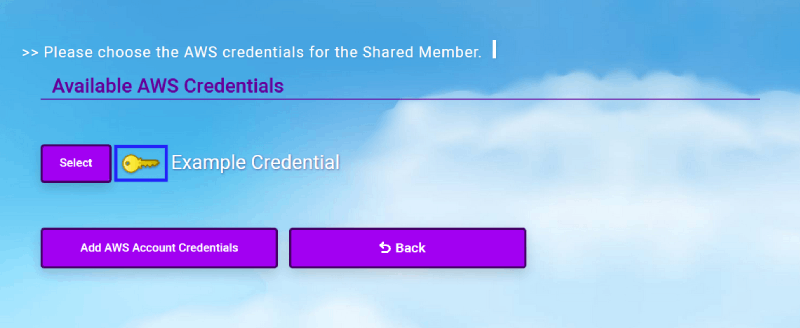
-
While on the credentials list page, click on the button
shaped like a key next to the credential that you would like
to edit.
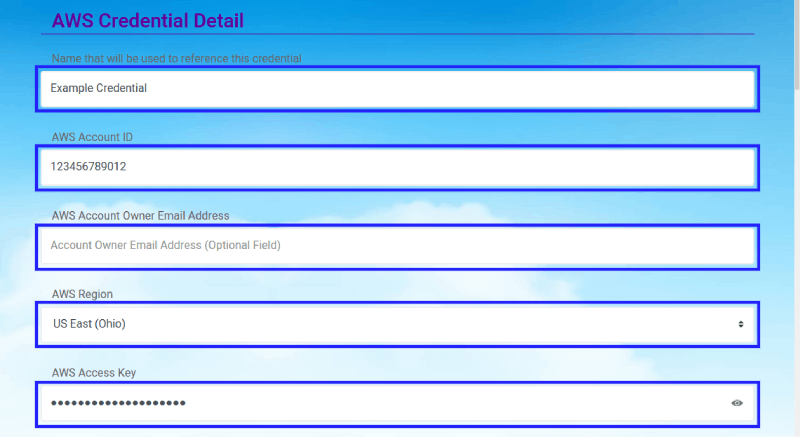
-
While on the view page for the selected credential you would
like to edit. You can make changes to any of the fields in
the "AWS Credential Detail" section of the page. (If you
have the proper permissions)
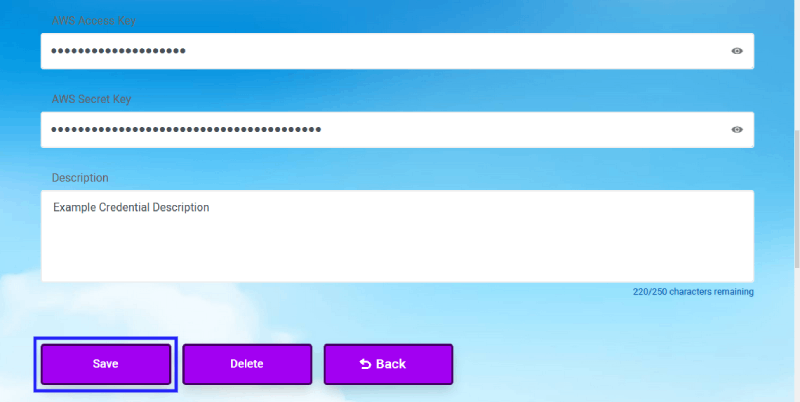
-
Once you are finished with your edits to the AWS credential,
you can then click on the "Save" button. (If you change your
mind about editing a credential click on the "Back" button
to be return to the credential list page.)